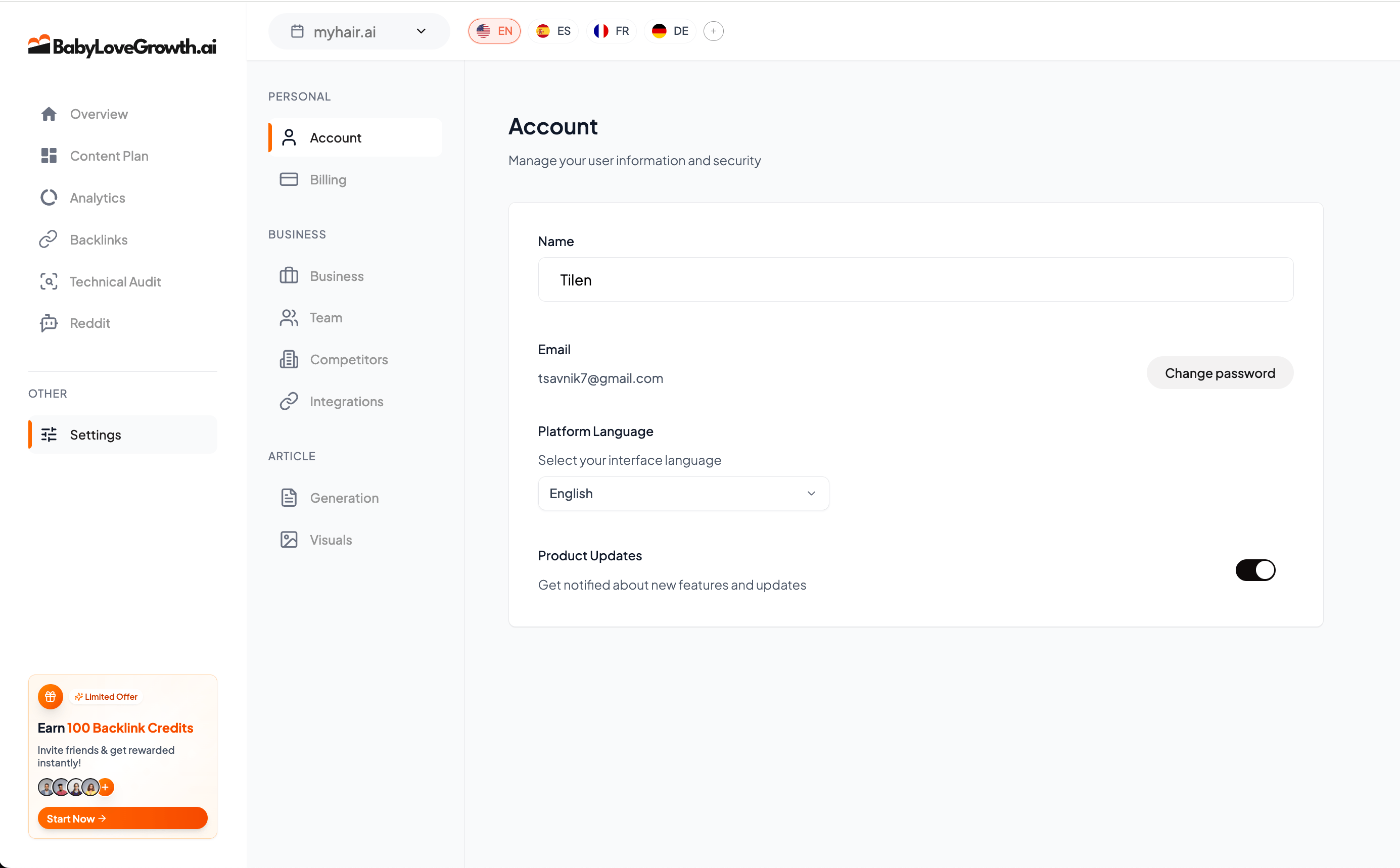
Settings
Configure your account, manage your team, set up integrations, and control how articles are generated and styled.
Accountv
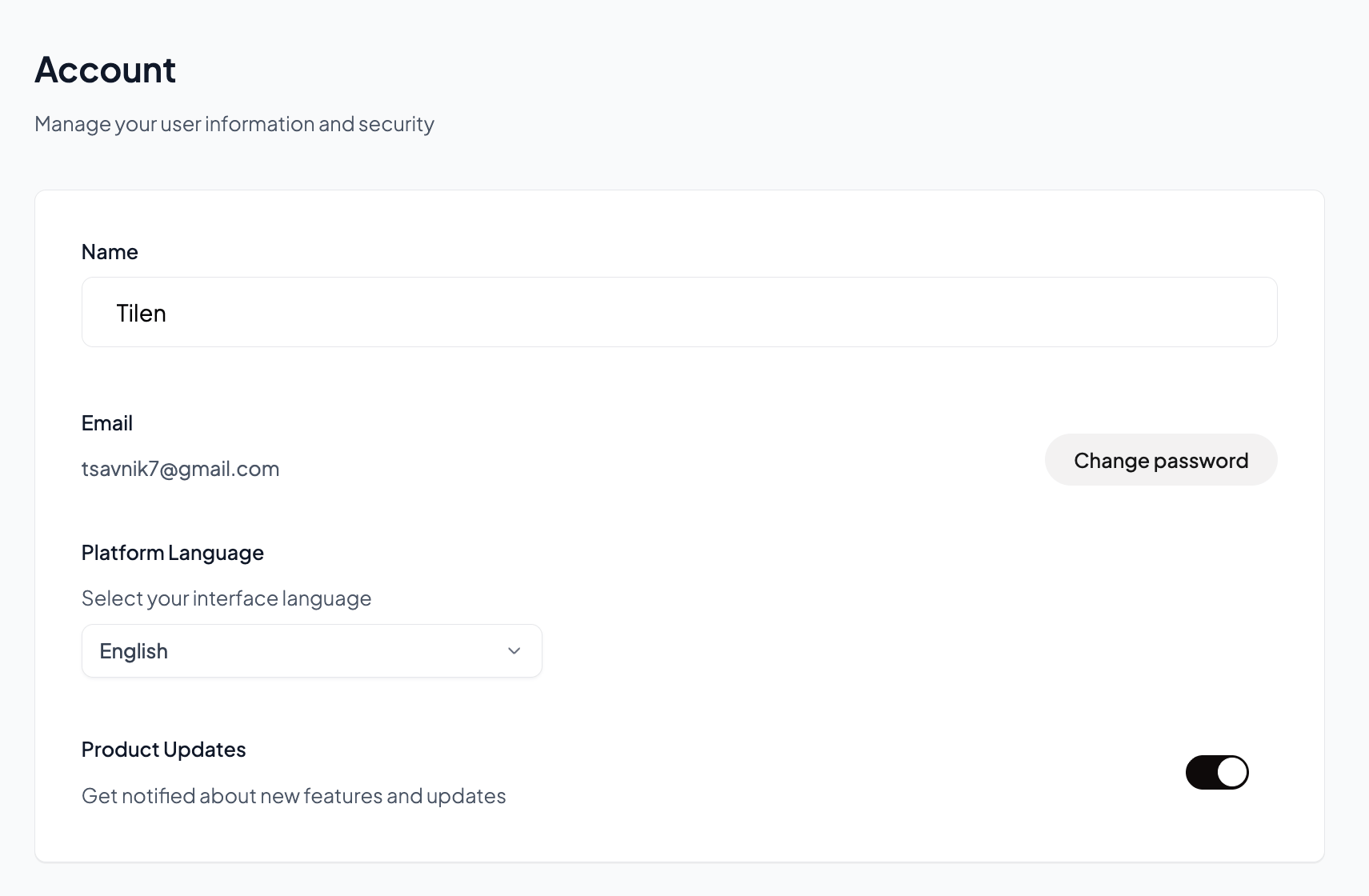
Name: Update your display name shown across the platform.
Email: Your login email address. Contact support to change this.
Change Password: Update your account password for security.
Dashboard Language: Select your preferred interface language (English, Spanish, French, German).
Product Updates: Toggle notifications about new features and updates.
Billingv
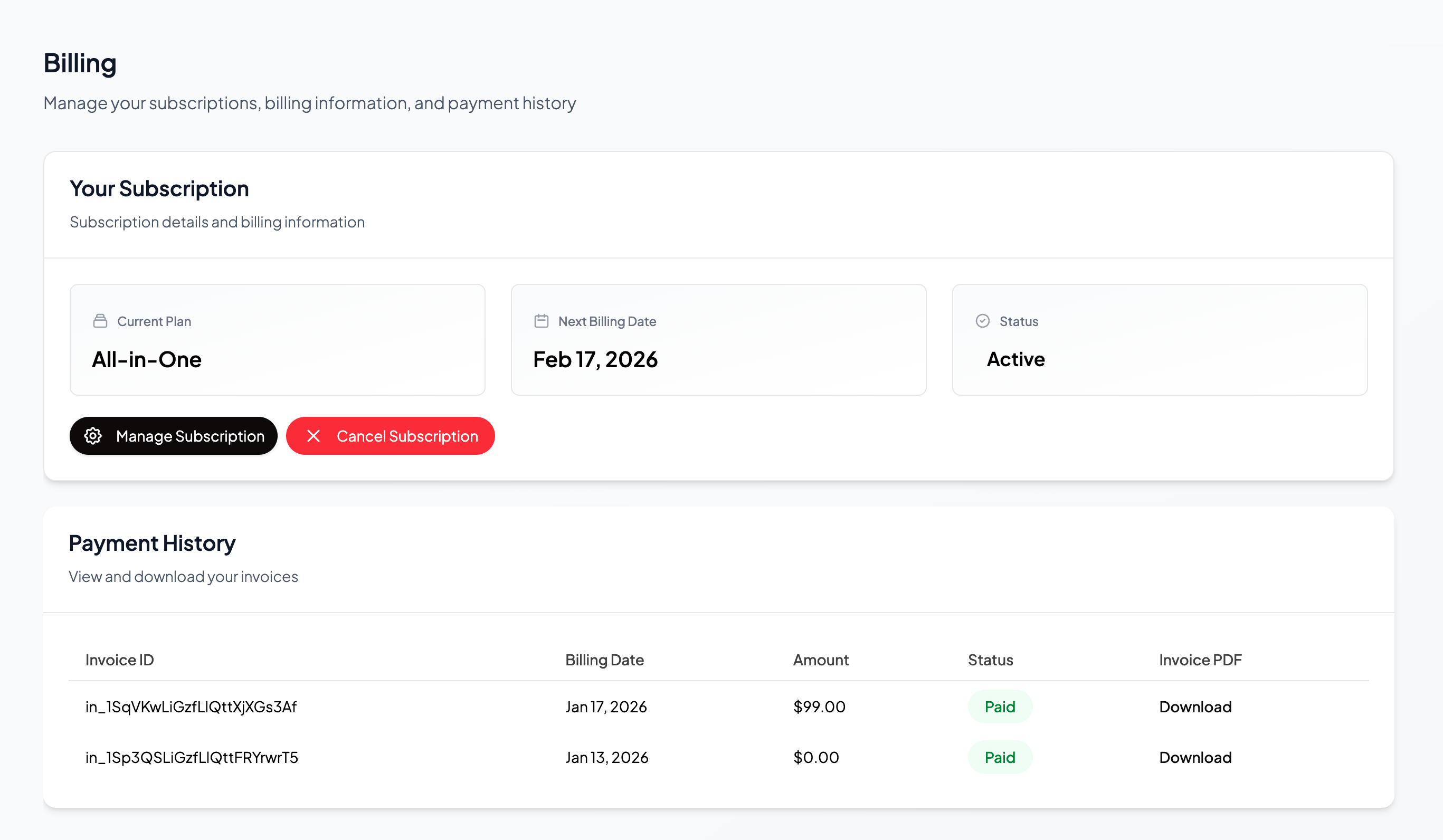
Current Plan: See your active subscription plan.
Next Billing Date: Know when your next payment is due.
Status: Check if your subscription is active, paused, or cancelled.
Manage Subscription: Upgrade, downgrade, or modify your plan.
Cancel Subscription: Cancel your subscription if needed.
Payment History: View all past invoices with dates, amounts, and status. Download invoice PDFs for your records.
Businessv
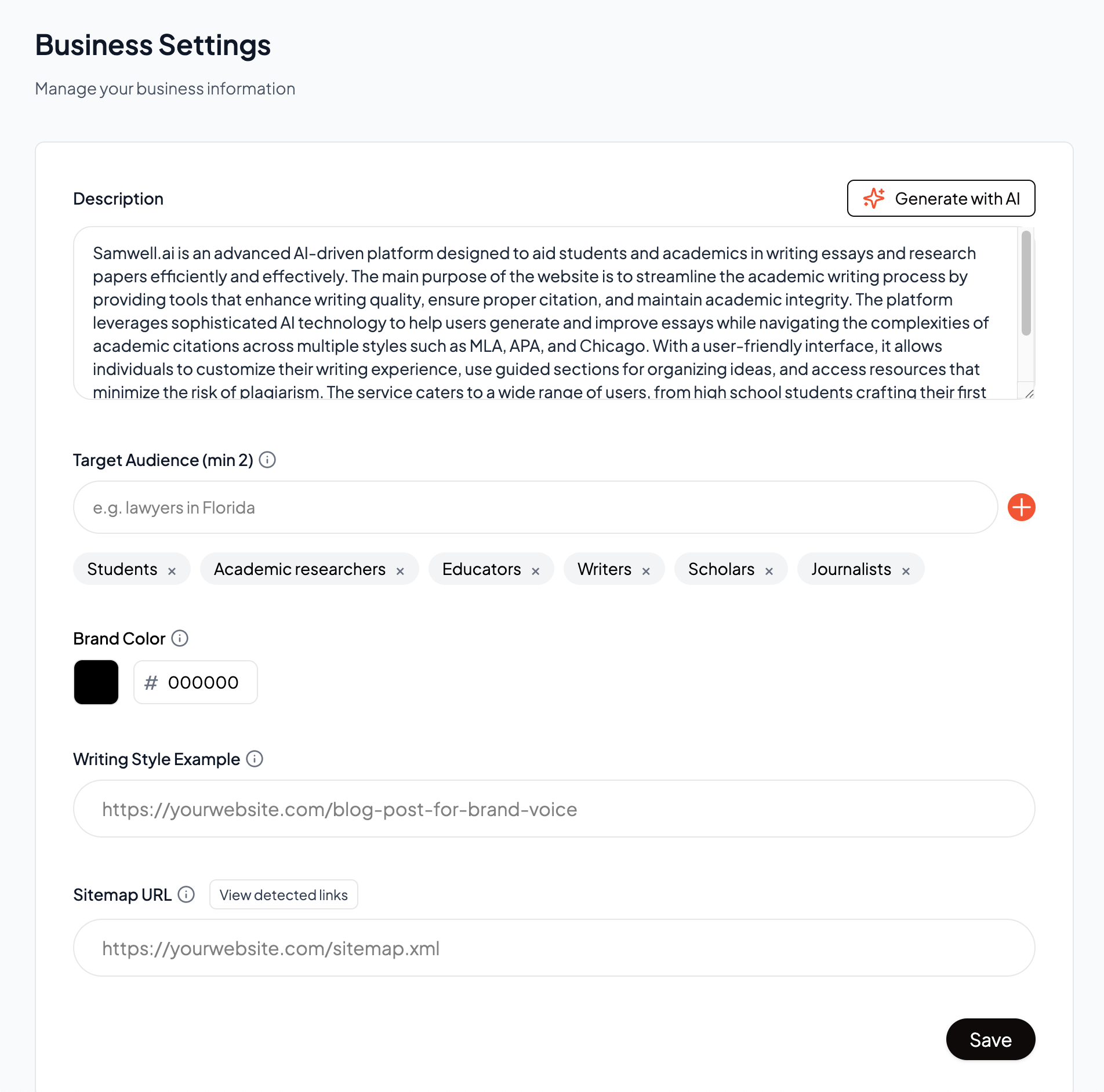
Configure your business information to help the AI generate more relevant and targeted content.
Description: Describe your business, products, and services. Use the Generate with AI button to create a description automatically based on your website.
Target Audience: Define your ideal customer (e.g. "Business owners in London, UK")
Brand Color: Set your primary brand color using a hex code. This is used in generated visuals and article elements.
Writing Style Example: Provide a URL to an existing blog post that represents your preferred writing voice and tone.
Sitemap URL: Enter your sitemap URL so we can discover and index your existing content for internal linking.
Teamv
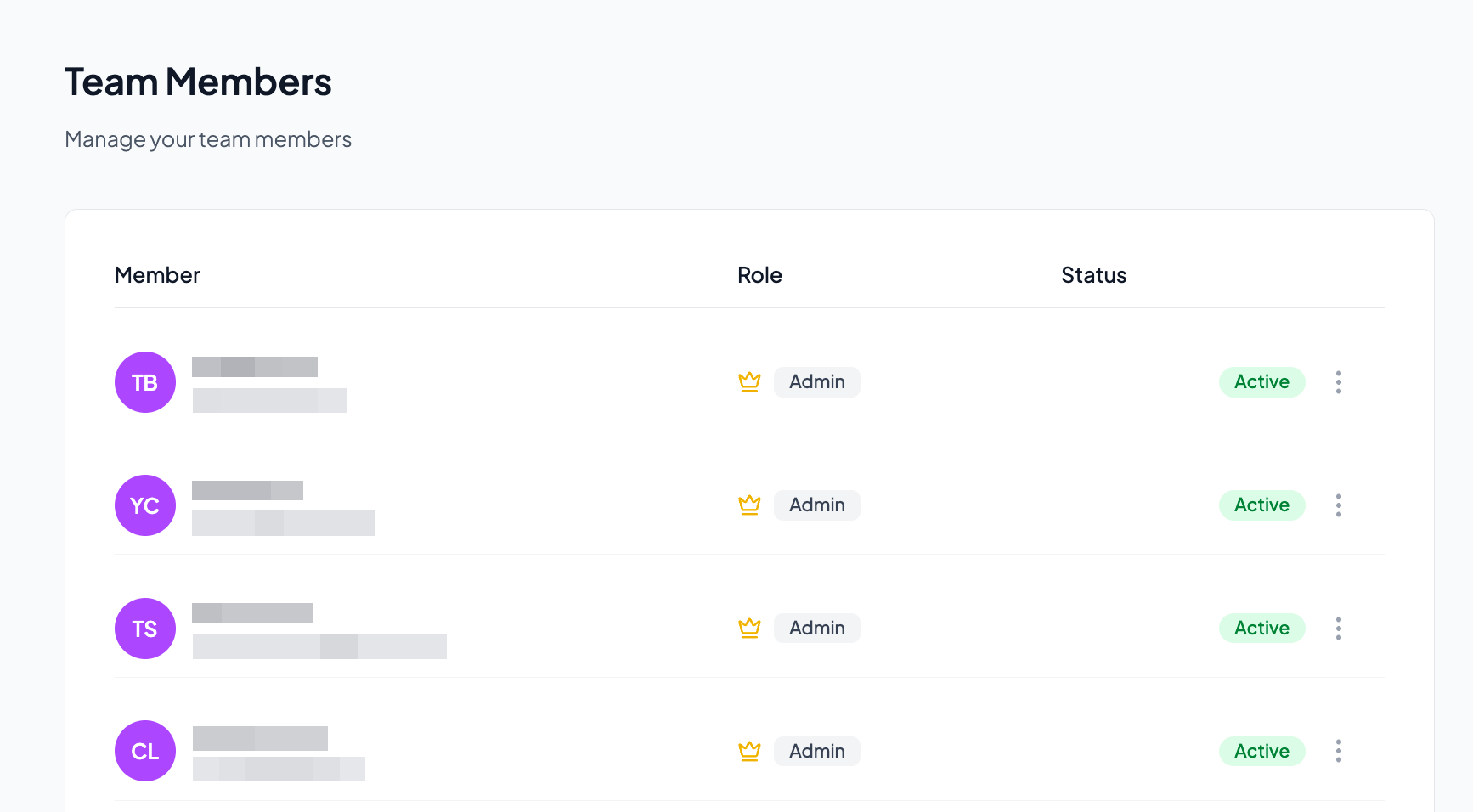
Member List: View all team members with their name, email, role, and status.
Roles: Assign Admin or Member roles. Admins have full access while Members have limited permissions.
Status: See who is Active or has a Pending invitation.
Invite Members: Add new team members by email. They will receive an invitation to join.
Remove Members: Remove team members who no longer need access.
Competitorsv
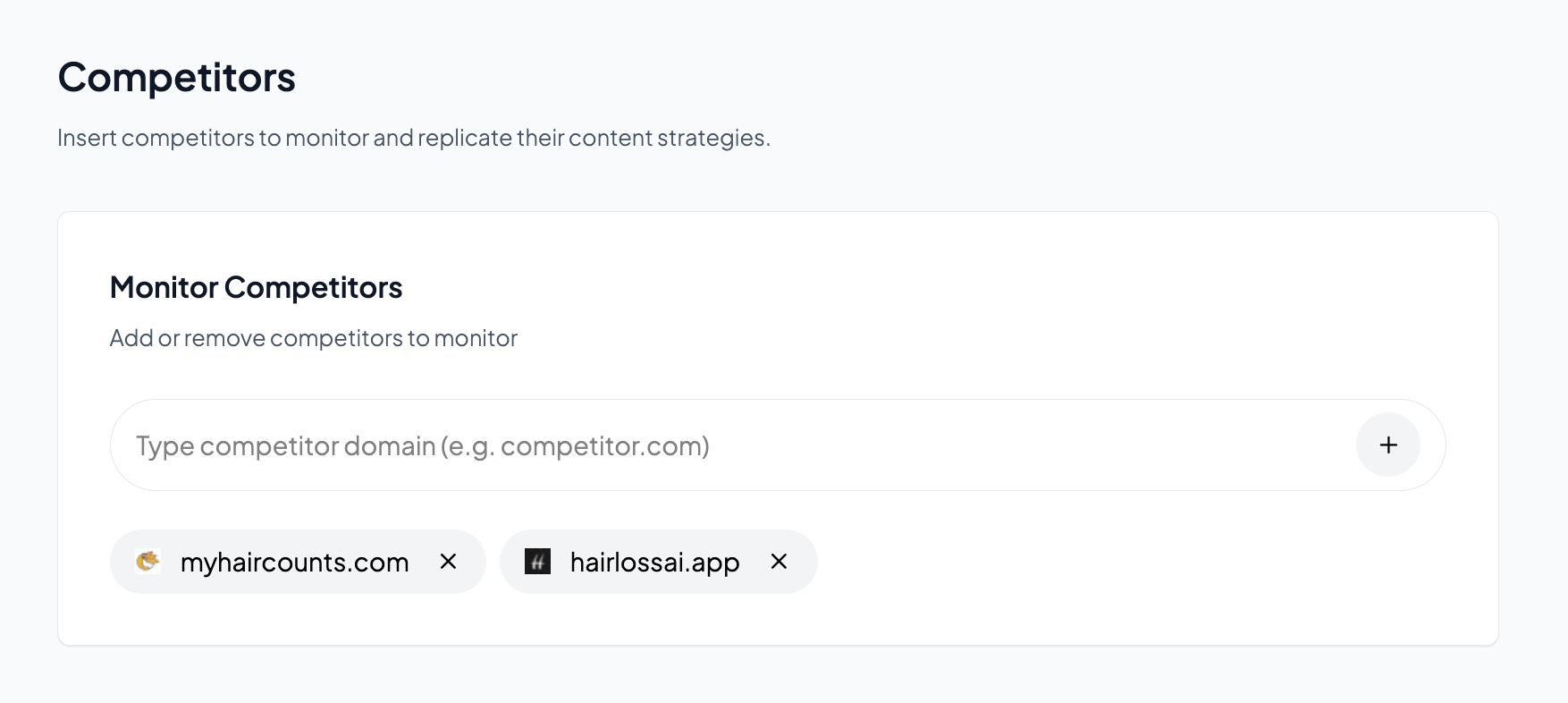
Monitor Competitors: Enter competitor domain names to track their content.
Content Intelligence: We analyze competitor content to help you identify gaps and opportunities.
Add or Remove: Easily add new competitors or remove ones no longer relevant.
Competitor data helps the AI understand your market and generate content that differentiates you from others in your niche.
Integrationsv
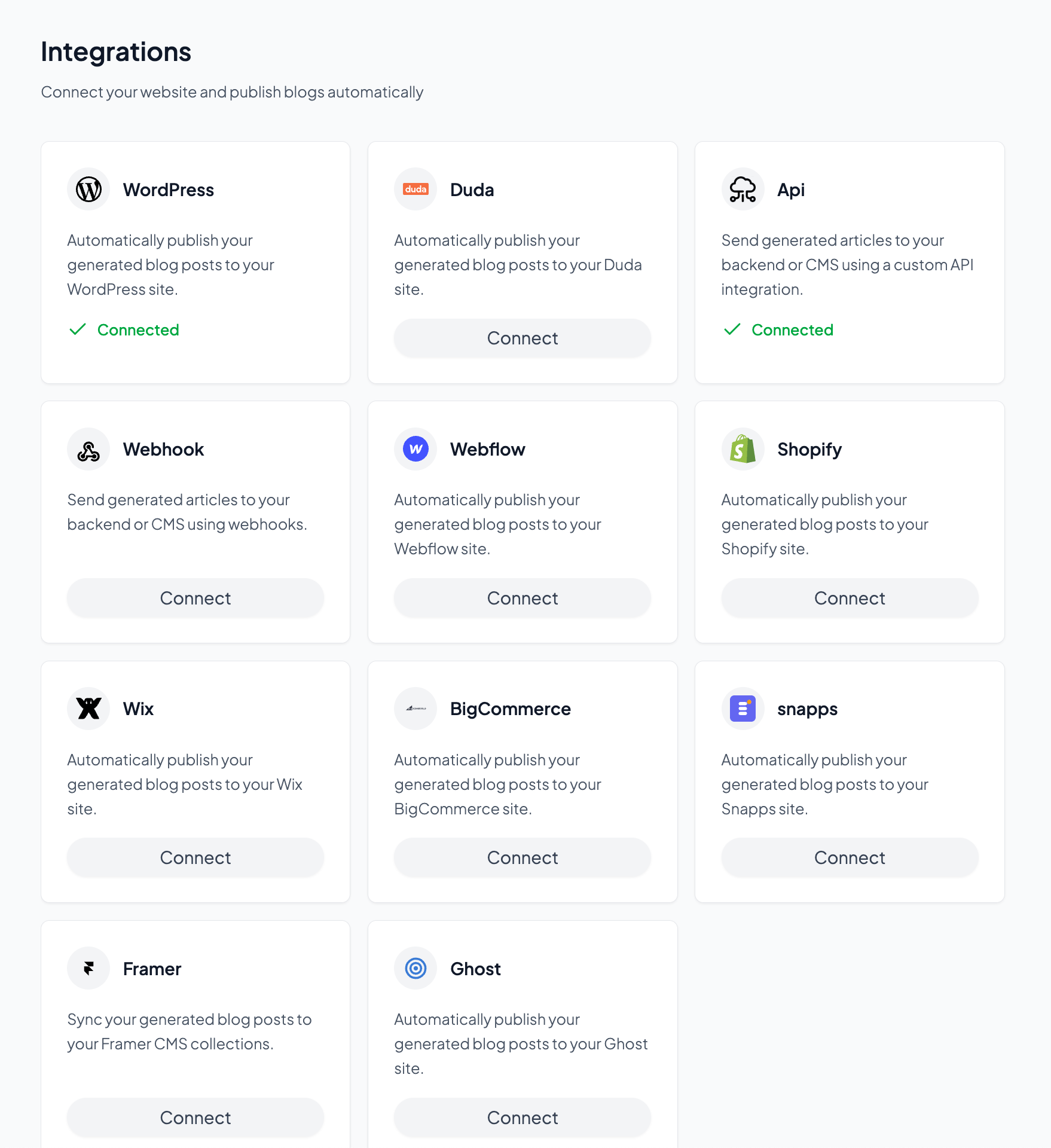
WordPress: Automatically publish blog posts to your WordPress site.
Webflow: Automatically publish blog posts to your Webflow site.
Shopify: Automatically publish blog posts to your Shopify site.
Wix: Automatically publish to your Wix website.
Duda: Automatically publish blog posts to your Duda site.
BigCommerce: Publish to your BigCommerce store blog.
Snapps: Automatically publish blog posts to your Snapps site.
API: Use a custom API integration to send articles to any backend or CMS.
Webhook: Send articles to your backend using webhook.
Each integration shows its connection status. Click Connect to set up a new integration or manage existing ones.
Generation (Article Settings)v
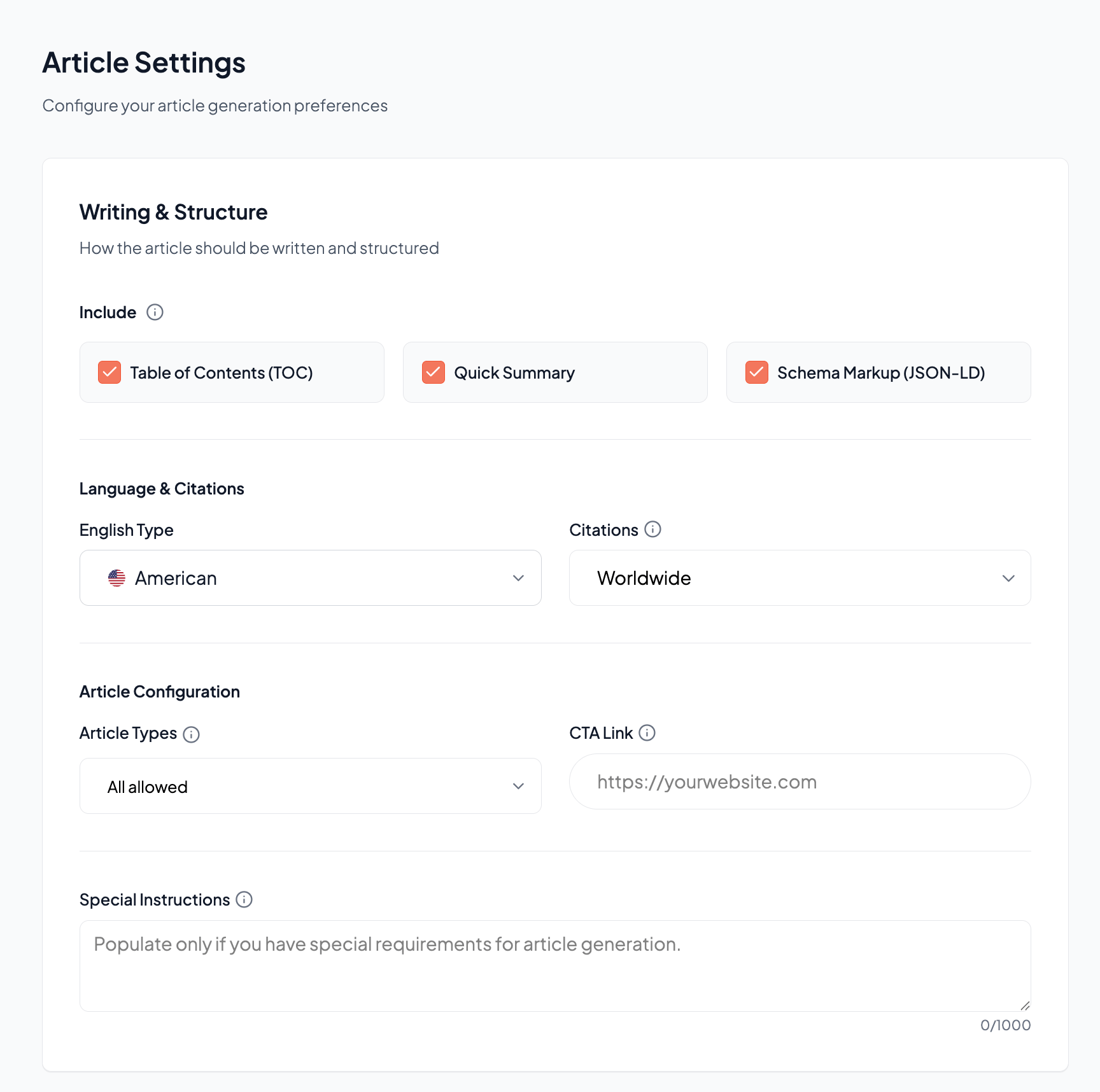
Table of Contents (TOC): Include a table of contents at the top of articles.
Quick Summary: Add a summary section for readers who want key takeaways.
Schema Markup (JSON-LD): Include structured data for better SEO and rich results.
English Type: Choose American or British English spelling and conventions.
Citations: Set citation sources to Worldwide or region-specific.
Article Types: Control which types of articles can be generated (all allowed, specific types only).
CTA Link: Set the default call-to-action URL included in articles.
Special Instructions: Add custom instructions that apply to all generated articles (up to 1000 characters).
- Select which days of the week articles should be generated and published.
- Toggle individual days on or off based on your content calendar needs.
Enable internal links: Automatically add links to your other content within articles.
Add www prefix: Include www in internal link URLs if your site uses it.
Add trailing slash: Append a trailing slash to internal link URLs if needed.
Visuals (Article Visuals)v
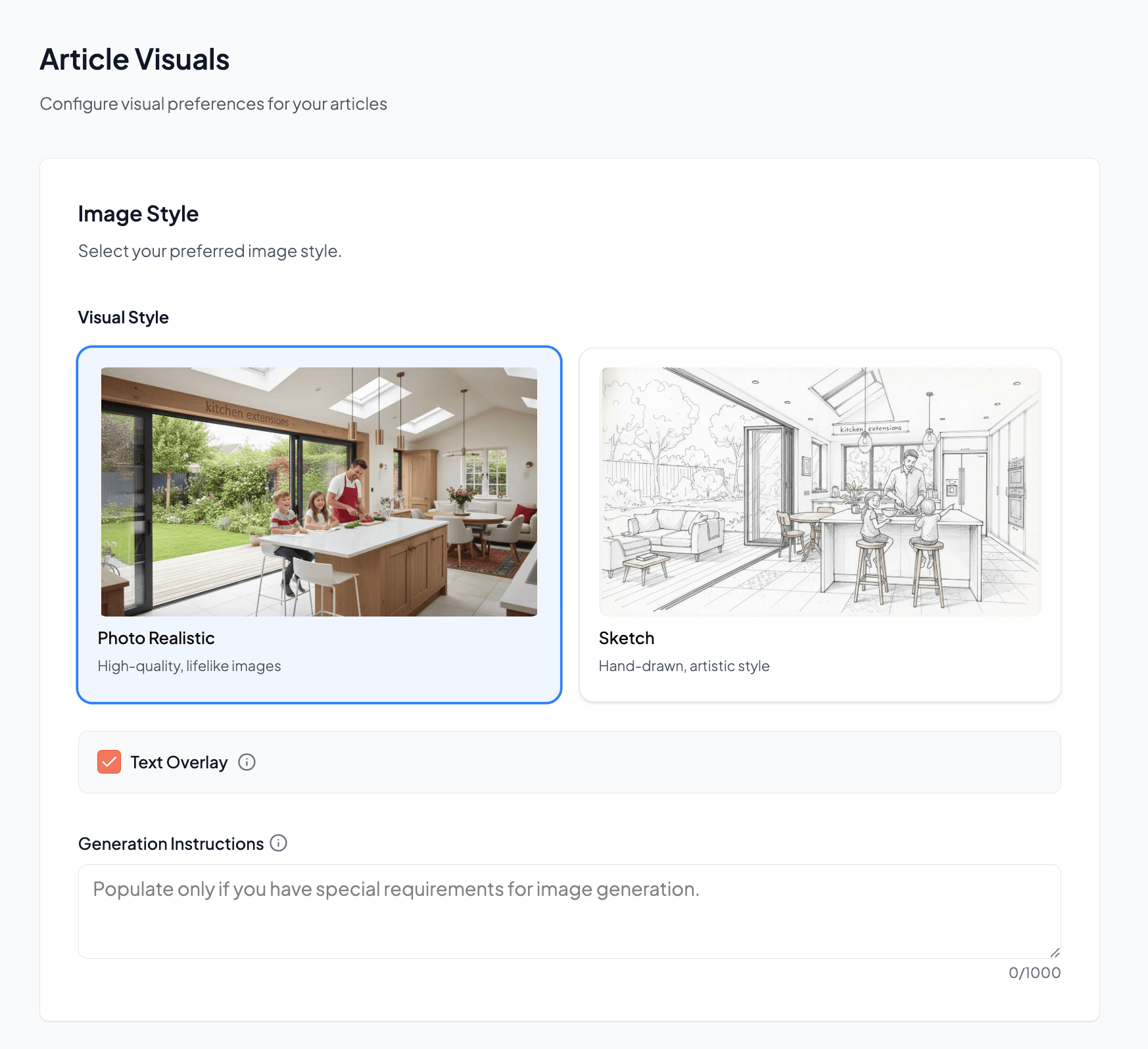
Photo Realistic: High-quality, lifelike images that look like real photographs.
Sketch: Hand-drawn, artistic style images for a unique aesthetic.
Text Overlay: Enable or disable text overlays on generated images.
Generation Instructions: Add custom instructions for image generation (up to 1000 characters).
YouTube Video: Include relevant YouTube videos in articles.
Website Screenshot: Add screenshots of referenced websites.
- Upload or change the screenshot used in article CTA sections.
- Replace or delete the current screenshot as needed.
- Upload up to 10 product images to feature in your articles.
- Images with transparent backgrounds work best.
- Click the Tutorial button for guidance on optimal image formats.