Guide to Technical SEO Audit for Maximized Ranking Success


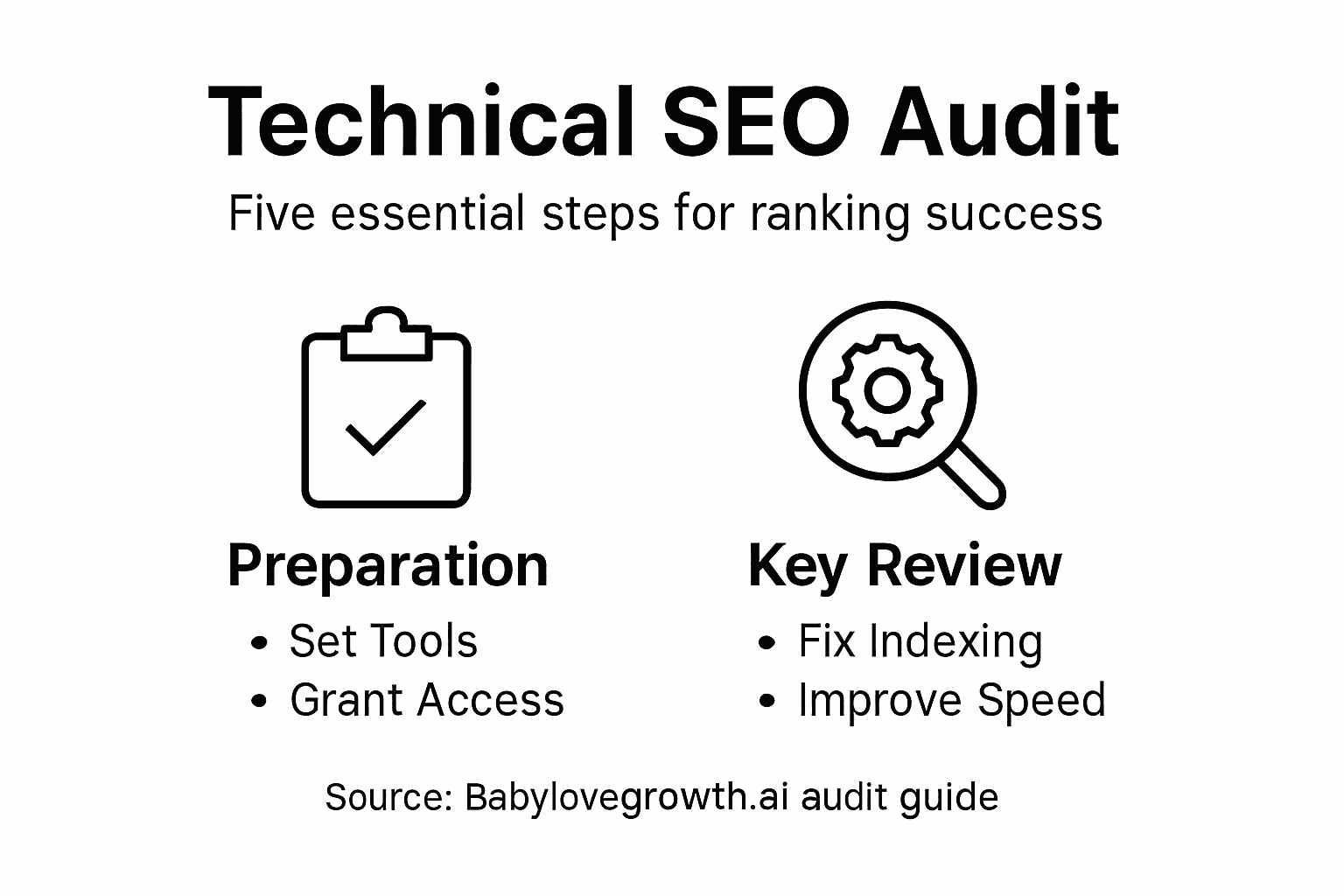
Every digital marketing agency owner knows the frustration of unclear search visibility and missed ranking opportunities. Success starts with configuring the right tools, as platforms like Google Search Console and Google Analytics offer a window into a site's technical health. With comprehensive site auditing tools and strategic access management, you gain actionable data for diagnosing crawlability, architecture gaps, and performance shortfalls. This guide breaks down the crucial stages to help you fine-tune every technical element for lasting organic growth.
Table of Contents
- Step 1: Set Up Essential Audit Tools and Access
- Step 2: Analyze Website Architecture and Crawlability
- Step 3: Identify and Fix Indexing Issues
- Step 4: Optimize Site Performance and Core Web Vitals
- Step 5: Verify Improvements and Monitor Ongoing Health
Quick Summary
| Key Concept | Explanation |
|---|---|
| 1. Set Up SEO Tools for Insights | Configure Google Search Console and Google Analytics to access crucial search performance data. |
| 2. Analyze Website Architecture | Ensure your site has a logical structure for easy navigation and efficient crawling by search engines. |
| 3. Identify Indexing Issues | Regularly check for crawl errors and accessibility barriers to maintain visibility in search results. |
| 4. Optimize Performance Metrics | Focus on improving Core Web Vitals metrics for better user experience and search ranking. |
| 5. Monitor SEO Health Continuously | Implement ongoing monitoring practices to track SEO improvements and adapt strategies effectively. |
Step 1: Set Up Essential Audit Tools and Access
In this crucial first stage of your technical SEO audit, you'll configure the core platforms that provide deep insights into your website's search performance. Configuring core SEO tools allows you to unlock comprehensive data about your site's technical health and ranking potential.
To begin, you'll need to set up several key platforms that provide critical diagnostic capabilities. These include:
- Google Search Console: Your primary window into search performance
- Google Analytics: Tracks website traffic and user behavior
- Third-party crawling tools: Provide additional technical insights
The first step involves verifying your website ownership in Google Search Console. This process authenticates your access and enables detailed reporting. You'll do this by adding a specific HTML tag or uploading a verification file to your website's root directory. Once verified, you gain access to comprehensive data about search appearance, indexing status, and potential technical errors.
Proper tool configuration transforms raw data into actionable SEO strategies.
Permissions and access management are critical at this stage. Ensure you grant appropriate access levels to team members, keeping security and collaboration in mind. Real-time SEO monitoring becomes possible when everyone has the right level of system access.
Pro tip: Always use unique, strong passwords for each platform and enable two-factor authentication to protect your website's sensitive performance data.
Here's a quick comparison of key SEO audit tools and what they help you achieve:
| Tool Name | Primary Use | Business Impact |
|---|---|---|
| Google Search Console | Monitors search performance and indexing | Reveals visibility and issues |
| Google Analytics | Tracks site traffic and user behavior | Informs engagement and improvements |
| Third-party Crawlers | Performs in-depth technical site analysis | Identifies hidden technical errors |
| Site Mapping Tools | Visualizes and optimizes site structure | Boosts crawl efficiency and clarity |
Step 2: Analyze Website Architecture and Crawlability
In this critical phase of your technical SEO audit, you'll dive deep into understanding how search engines navigate and comprehend your website's structure. Website architecture optimization is fundamental to ensuring your content gets discovered and ranked effectively.
Your primary goal is to create a website structure that enables seamless crawling and indexing. This involves several key components:
- Hierarchical site organization: Create logical content categories
- Internal linking strategy: Connect related pages strategically
- URL structure: Design clean, descriptive URLs
- Navigation pathways: Ensure intuitive user and crawler movement
Start by examining your current website architecture. Crawlability metrics help you identify potential barriers that might prevent search engines from accessing your content. Look for issues like:
- Deeply nested pages that are hard to reach
- Orphaned content with no internal links
- Complicated navigation structures
- Pages blocked by robots.txt or noindex tags
A well-structured website is a roadmap that guides both users and search engine crawlers.
Analyzing your site's crawlability requires systematic evaluation. Use tools like Google Search Console to understand how search bots interact with your content. Check the crawl errors report to identify pages that might be inaccessible, and review your site indexing status to confirm all important pages are being discovered.

Pro tip: Use a visual site mapping tool to create a bird's-eye view of your website structure, helping you quickly identify and resolve potential crawlability bottlenecks.
Step 3: Identify and Fix Indexing Issues
In this critical phase of your technical SEO audit, you'll systematically detect and resolve obstacles preventing search engines from properly indexing your website. SEO indexing troubleshooting is essential for ensuring your content appears in search results and reaches your target audience.
To effectively diagnose indexing problems, you'll need to investigate multiple potential barriers:
- Crawl errors: Uncover broken links and inaccessible pages
- Robots.txt configurations: Verify search engine access
- Noindex tags: Check for unintentional blocking
- Canonical tag implementation: Resolve duplicate content issues
- Open Google Search Console and navigate to the Coverage report
- Review error types and their specific locations
- Analyze the percentage of pages successfully indexed
- Investigate any excluded pages to understand why they're not indexed
Indexing checkers and tools provide actionable insights into your website's discoverability. Look for specific problems like server errors, DNS misconfigurations, and mistakenly applied noindex tags. Pay special attention to critical pages that should be visible in search results.Indexing issues can dramatically reduce your website's search visibility and organic traffic potential.
Pro tip: Create a spreadsheet to track indexing issues, documenting each problem's location, type, and resolution status for systematic troubleshooting.
Step 4: Optimize Site Performance and Core Web Vitals
In this critical phase of your technical SEO audit, you'll focus on improving your website's speed, responsiveness, and user experience through strategic performance optimization. Core Web Vitals are Google's key metrics that directly impact your search rankings and user engagement.
To effectively optimize your site's performance, you'll need to concentrate on three primary metrics:
- Largest Contentful Paint (LCP): Measure loading speed
- First Input Delay (FID): Assess interactivity
- Cumulative Layout Shift (CLS): Evaluate visual stability
- Use Google PageSpeed Insights to run an initial diagnostic
- Analyze detailed performance recommendations
- Prioritize issues with the most significant impact
- Implement targeted optimizations
Web performance techniques require a multifaceted approach. Focus on reducing network requests, compressing assets, and implementing efficient caching strategies. Pay special attention to image optimization, script loading, and server response times.Performance optimization is not a one-time task but a continuous improvement process.
Pro tip: Create a performance improvement checklist and track your Core Web Vitals scores monthly to ensure consistent website speed and user experience.
Step 5: Verify Improvements and Monitor Ongoing Health
In this final stage of your technical SEO audit, you'll establish a systematic approach to tracking and measuring SEO performance. Continuous monitoring ensures your optimization efforts deliver tangible results and help you maintain a competitive search engine presence.
To effectively verify and track improvements, you'll need to implement a comprehensive monitoring strategy:
- Outcome measures: Track overall search rankings
- Process measures: Monitor technical performance metrics
- Balancing measures: Assess user experience alongside SEO metrics
- Set up automated reporting in Google Search Console
- Configure regular performance dashboards
- Establish baseline metrics before optimization
- Schedule monthly performance review sessions
Ongoing SEO health checks require a multifaceted approach. Focus on tracking crawl data, indexation status, site speed, and user engagement metrics. Create alert systems that notify you of significant changes or potential issues before they impact your search performance.Consistent monitoring transforms SEO from a one-time task to a strategic, adaptive process.
Pro tip: Create a quarterly SEO performance scorecard that compares current metrics against your initial baseline to quantify the direct impact of your technical optimization efforts.
Use this table to understand common technical SEO issues and relevant diagnostic methods:
| Issue Type | Typical Symptoms | Diagnostic Method |
|---|---|---|
| Crawlability Block | Pages missing in search index | Review crawl errors, robots.txt |
| Indexing Problem | Key pages not appearing | Check Coverage report, noindex tags |
| Duplicate Content | Multiple URLs with same content | Inspect canonical tags, site search |
| Performance Lag | Slow loading, poor UX ratings | Analyze Core Web Vitals metrics |
Unlock the Full Potential of Your Technical SEO Audit with Babylovegrowth.ai
Performing a thorough technical SEO audit is essential for maximizing your website’s ranking success. From configuring audit tools like Google Search Console and analyzing crawlability to fixing indexing issues and optimizing Core Web Vitals, the process can be complex and time-consuming. You may struggle with understanding deep crawl errors, managing noindex tags unintentionally, or tracking ongoing SEO health without losing focus on your core business goals.
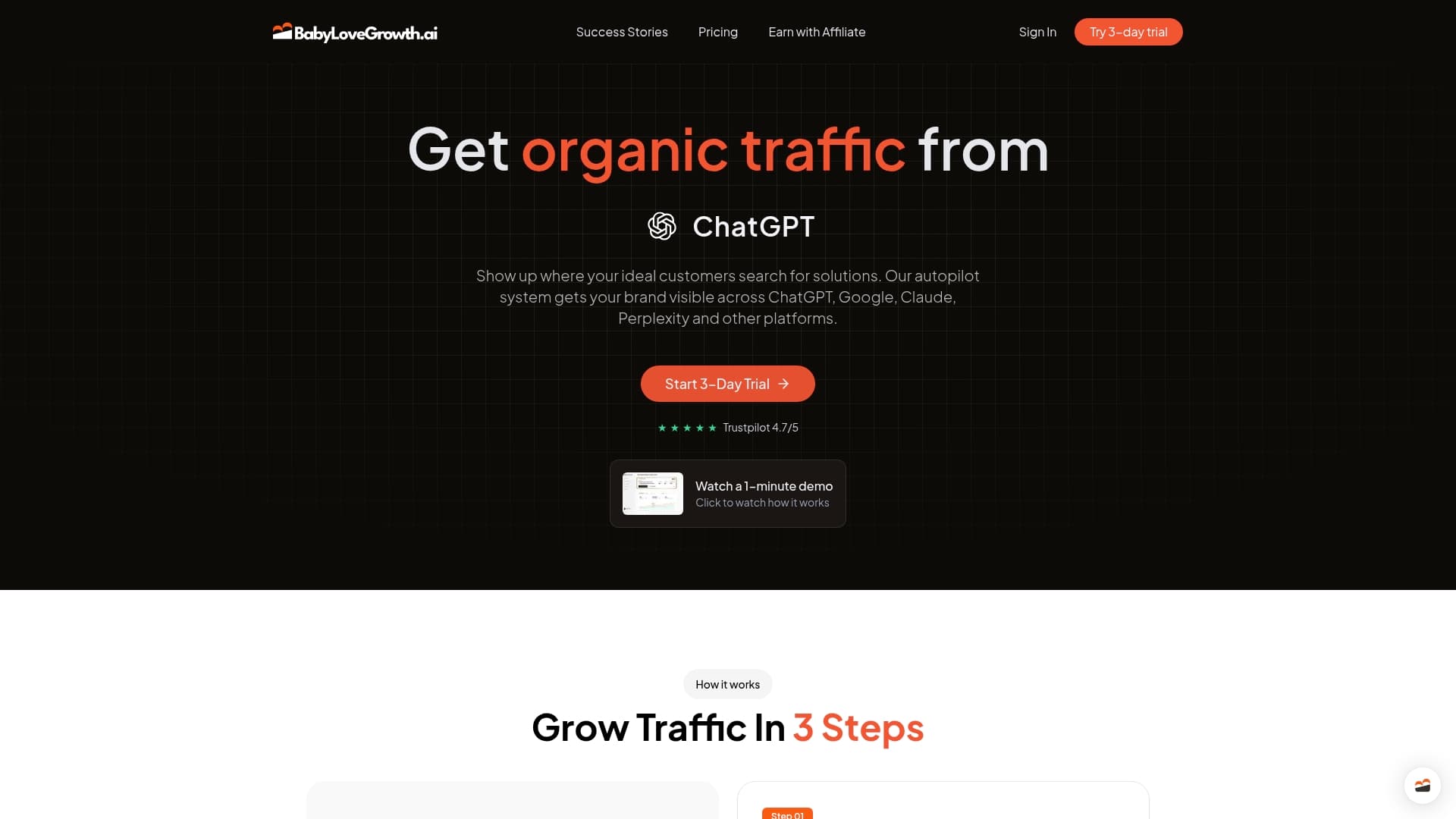
Take control of your SEO challenges today by leveraging the power of Babylovegrowth.ai — an AI-powered SaaS platform designed to automate and simplify technical SEO audits alongside comprehensive content strategies. With features that include automated site audits, advanced keyword discovery, content planning, and backlink building, you can fix indexing problems, enhance site performance, and continuously monitor your SEO health effortlessly. Visit Babylovegrowth.ai now to empower your brand’s organic growth and secure a competitive edge in search engines and AI-driven search platforms. Get started with smarter SEO solutions tailored to maximize your ranking success.
Frequently Asked Questions
What are the essential tools needed for a technical SEO audit?
To conduct a thorough technical SEO audit, you need Google Search Console, Google Analytics, and third-party crawling tools. Start by setting these up to gain insights into your website's performance and identify any potential technical issues.
How can I analyze my website's architecture for SEO?
You can analyze your website's architecture by examining its hierarchical organization, internal linking strategy, URL structure, and navigation pathways. Begin by creating a visual sitemap to ensure that all important pages are easily accessible and logically arranged.
What common indexing issues should I look for during my SEO audit?
During your SEO audit, look for crawl errors, incorrect robots.txt configurations, noindex tags, and problems with canonical tags. Check your Google Search Console Coverage report to locate pages that are not indexed and resolve these issues promptly.
How can I optimize my site performance according to Core Web Vitals?
To improve your site performance, focus on Largest Contentful Paint (LCP), First Input Delay (FID), and Cumulative Layout Shift (CLS). Use performance diagnostic tools to identify critical issues and implement optimizations such as image compression and efficient caching within 30 days.
What steps should I take to monitor the ongoing health of my website's SEO?
Establish a systematic monitoring approach that includes outcome measures like search rankings and process measures like technical performance metrics. Schedule monthly performance reviews to assess progress and make adjustments to maintain your website's SEO health.
How can I track improvements after implementing SEO changes?
To track improvements, set up automated reporting and performance dashboards that measure both search rankings and technical metrics. Create a quarterly scorecard to compare current metrics against your baseline to quantify the impact of your optimization efforts.