Importance of Clear Navigation for SEO Success


Over 80 percent of American website visitors admit they will abandon a site if they cannot find what they need quickly. In a digital world filled with choices, clear navigation plays a pivotal role in keeping users engaged and satisfied. Understanding how navigation impacts both user experience and search rankings can help you avoid costly mistakes and ensure your American website stands out with intuitive, reliable pathways.
Table of Contents
- Defining Clear Navigation And Common Myths
- Primary Types Of Website Navigation Explained
- How Clear Navigation Impacts User Experience
- SEO Benefits Of Well-Structured Navigation
- Common Navigation Mistakes To Avoid
Key Takeaways
| Point | Details |
|---|---|
| Clear Navigation is Crucial | Effective website navigation enhances user experience by making it simple and intuitive for users to find information. |
| Common Myths Debunked | Many designers mistakenly believe that complex navigation is better; however, users prefer familiar, predictable structures. |
| Structured Navigation Improves SEO | Well-organized navigation aids search engine indexing, boosting both user experience and search ranking. |
| Avoid Navigation Mistakes | Common errors like obscure links and overcrowded menus can frustrate users and negatively impact SEO performance. |
Defining Clear Navigation and Common Myths
Clear navigation is the strategic framework that guides users through a website, enabling them to find information efficiently and intuitively. Unlike complex or convoluted design approaches, effective navigation prioritizes simplicity and user understanding.
Research reveals critical insights into navigation design. A comprehensive study analyzing website navigation systems demonstrates that many businesses mistakenly believe complex designs enhance user engagement. In reality, the opposite holds true. Users prefer straightforward, predictable navigation structures that allow them to move seamlessly through digital spaces.
Common myths about website navigation often misguide designers and business owners. User behavior studies consistently show that users do not want novel or experimental navigation layouts. Instead, they gravitate toward familiar patterns that feel comfortable and require minimal cognitive effort. This means prioritizing standard menu structures, clear labeling, and logical information hierarchies.
Key navigation principles include:
- Creating consistent menu layouts
- Using clear, descriptive labels
- Minimizing the number of clicks required to access information
- Ensuring mobile and desktop experiences remain similar
Pro Tip: Website Navigation Optimization: Conduct user testing with at least 5 different individuals to validate your navigation design, watching how quickly and easily they can complete basic tasks on your site.
Primary Types of Website Navigation Explained
Website navigation is a complex ecosystem of interconnected paths that guide users through digital spaces. Comprehensive research on navigation systems reveals six primary types of navigation strategies that web designers and developers utilize to create intuitive user experiences.
The primary navigation types include global navigation, which appears consistently across all pages and provides core site access, and local navigation, which focuses on specific sections or subsections of a website. Navigation design studies highlight additional critical navigation approaches:
- Global Navigation: Main menu accessible from every page
- Local Navigation: Section-specific menu options
- Contextual Navigation: Links embedded within content
- Inline Navigation: Text-based links within paragraphs
- Faceted Navigation: Filter-based exploration options
- Supplemental Navigation: Secondary access points like site maps
Each navigation type serves a unique purpose in guiding users through digital content. Contextual navigation, for instance, helps users discover related information by providing links directly within relevant content, while faceted navigation allows users to filter and refine their search experience dynamically.
Here's a comparison of the main types of website navigation and their typical use cases:
| Navigation Type | Best For | Typical Placement |
|---|---|---|
| Global Navigation | Site-wide access | Top or side of every page |
| Local Navigation | Section-specific browsing | Sidebar or within sections |
| Contextual Navigation | Discovering related content | Inside or below articles |
| Faceted Navigation | Refining product or content searches | Category or filter panels |
| Supplemental Navigation | Extra resources and orientation | Footer or site map pages |
Pro Tip: Navigation Strategy Testing: Conduct quarterly user experience audits to analyze how visitors interact with your site's navigation, tracking metrics like click-through rates and time spent exploring different sections.
How Clear Navigation Impacts User Experience
User experience begins with navigation, serving as the fundamental bridge between website visitors and content. Comprehensive research on consumer interactions demonstrates that clear navigation directly influences user engagement, attention span, and overall satisfaction with digital platforms.

The psychological impact of navigation design cannot be overstated. When users can intuitively understand how to move through a website, their cognitive load decreases, allowing them to focus on consuming content rather than deciphering complex menu structures. Studies examining user behavioral patterns reveal that websites with transparent, consistently visible navigation systems significantly improve user orientation and reduce frustration.
Key elements that enhance user experience through navigation include:
- Predictable menu placement
- Consistent labeling across pages
- Logical hierarchical structure
- Minimal number of clicks to access information
- Responsive design that maintains navigation consistency across devices
Navigation goes beyond mere functionality. It creates an emotional connection, signaling to users that a website respects their time and understands their information-seeking goals. Intuitive navigation can transform a potentially confusing digital journey into a smooth, enjoyable experience that encourages deeper exploration and engagement.
Pro Tip: Navigation Usability Assessment: Conduct user testing with diverse participants, asking them to complete specific tasks while tracking their mouse movements and time spent navigating, to identify potential friction points in your website's navigation design.
SEO Benefits of Well-Structured Navigation
Website navigation is far more than a user interface element - it's a critical SEO infrastructure that directly impacts search engine performance. Research on internet navigation structures reveals that well-organized navigation enhances search engine indexing and content discoverability, creating a robust pathway for both users and search engine crawlers.
Search engines evaluate website architecture through navigation patterns, using internal linking and menu structures as key signals of content relevance and site hierarchy. Academic studies examining information retrieval systems demonstrate that clear, logical navigation contributes significantly to improved search rankings by helping search algorithms understand website content more effectively.
Key SEO benefits of well-structured navigation include:
- Improved crawlability for search engine bots
- Enhanced internal linking opportunities
- Reduced bounce rates
- Increased time spent on site
- Better content hierarchy signaling
- Simplified user journey through interconnected content
Navigation isn't just about linking pages - it's about creating a strategic content roadmap that guides both users and search algorithms through your website's informational landscape. By implementing a clear, intuitive navigation system, websites can simultaneously improve user experience and search engine optimization, creating a win-win scenario for digital visibility.
Pro Tip: Navigation SEO Audit: Regularly analyze your website's navigation structure using Google Search Console, checking crawl errors and internal link distribution to identify and resolve potential navigation-related SEO challenges.
Common Navigation Mistakes to Avoid
Navigation design is a nuanced art where small missteps can create significant user experience barriers. Exploring problematic navigation techniques reveals several critical errors that can frustrate users and undermine website effectiveness.
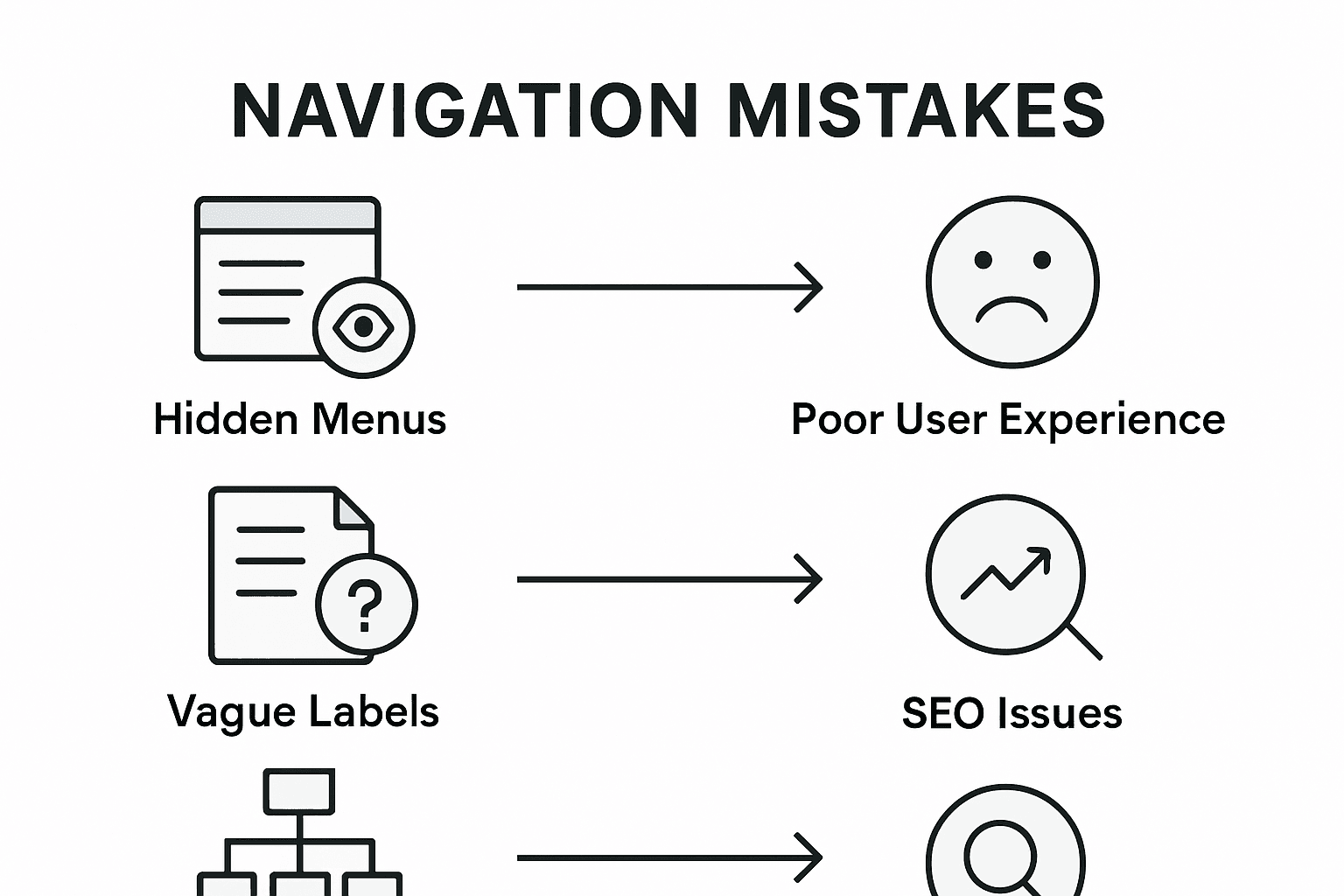
One of the most prevalent navigation mistakes is obscure link design, where users cannot easily predict where a link will take them. This phenomenon, known as mystery meat navigation, occurs when menu items lack clear descriptions or use cryptic icons that confuse rather than clarify user pathways. Websites frequently commit navigation sins that directly impede user understanding and search engine performance.
Common navigation mistakes include:
- Overcrowded menu structures
- Inconsistent labeling across pages
- Hidden or non-intuitive navigation menus
- Lack of clear hierarchical organization
- Excessive dropdown levels
- Non-responsive design for mobile platforms
- Ambiguous link descriptions
- Absence of breadcrumb navigation
Navigation should serve as a clear, predictable roadmap that guides users effortlessly through digital content. Each menu item, link, and navigation element must communicate its purpose transparently, reducing cognitive load and preventing user frustration. Successful navigation design prioritizes clarity, consistency, and intuitive user guidance.
To further clarify, here's a summary of common navigation mistakes and their negative impacts:
| Mistake | User Experience Impact | SEO Consequence |
|---|---|---|
| Overcrowded menus | Causes confusion | Dilutes link authority |
| Inconsistent labeling | Reduces trust | Hinders crawlability |
| Hidden or non-intuitive menus | Users miss key sections | Search bots miss important pages |
| Ambiguous link descriptions | Increases cognitive load | Poor anchor text for indexing |
Pro Tip: Navigation Clarity Check: Conduct user testing where participants unfamiliar with your website must complete specific tasks, tracking their ability to navigate without assistance and identifying potential confusion points.
Boost Your SEO Success with Clear Navigation Powered by AI
Navigating the complex world of SEO can be overwhelming, especially when clear website navigation is key to improving both user experience and search rankings. The article highlights how consistent labeling, logical hierarchy, and minimal clicks reduce cognitive load and boost engagement. If you are struggling to optimize your site’s structure or want to turn your navigation into a powerful SEO asset, Babylovegrowth.ai offers an AI-driven solution that simplifies organic growth through expertly crafted content and backlink strategies.
Unlock the full potential of your website’s navigation with our automated 30-day personalized content plans and backlink exchange ecosystem. Designed for business owners and marketers who want scalable, cost-effective growth without complicated SEO tools, our platform transforms your site architecture into a clear roadmap for Google and ChatGPT ranking success. Take the next step and explore how Babylovegrowth.ai can guide your SEO strategy with precision and ease. Start your free trial today and see how intuitive navigation combined with AI-powered content can elevate your online visibility.
Frequently Asked Questions
What is the importance of clear navigation for user experience?
Clear navigation is crucial for user experience as it allows visitors to easily locate information on a website, reducing frustration and cognitive load, thereby encouraging deeper engagement with the content.
How does well-structured navigation impact SEO?
Well-structured navigation enhances SEO by improving crawlability for search engines, allowing better indexing of content, and increasing internal linking, which helps in establishing content relevance and hierarchy.
What are some common navigation mistakes to avoid?
Common navigation mistakes include overcrowded menus, inconsistent labeling, hidden or confusing menu items, and ambiguous link descriptions, all of which can hinder user experience and negatively affect SEO performance.
How can I optimize my website's navigation?
You can optimize your website's navigation by ensuring consistent menu layouts, using clear and descriptive labels, minimizing clicks to access information, and maintaining a responsive design across all devices.
Recommended
Smart SEO,
Faster Growth!
Most Read Articles
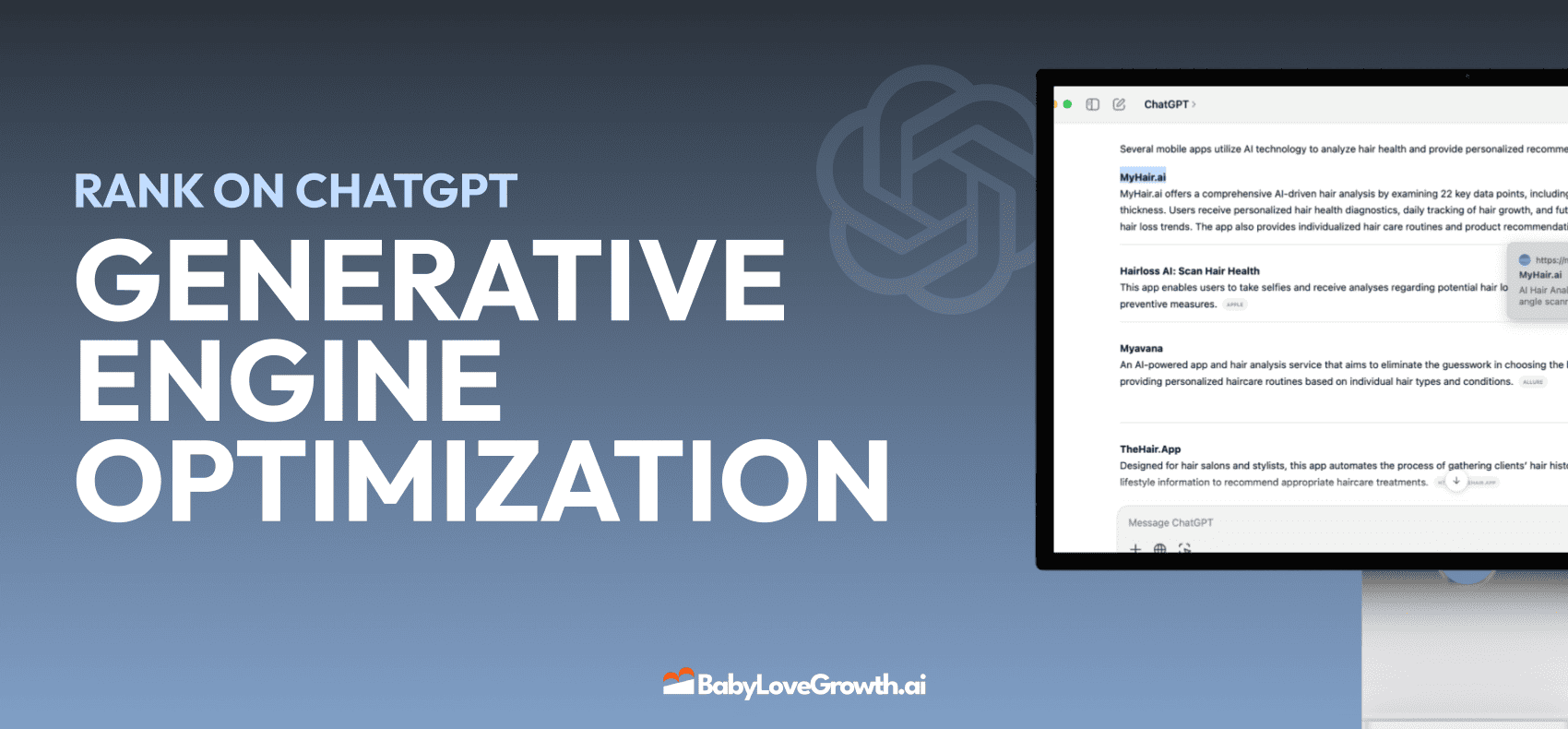
Generative Engine Optimization (GEO)
Learn how Generative Engine Optimization (GEO) helps your content rank in AI search engines like ChatGPT and Google AI. This comprehensive guide explains the differences between SEO and GEO, why it matters for your business, and practical steps to implement GEO strategies for better visibility in AI-generated responses.
DylenJan 18, 2025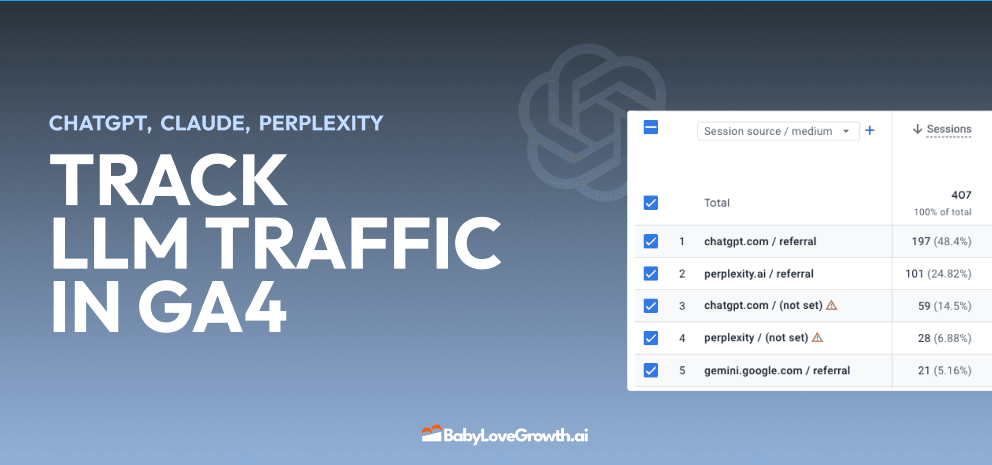
Track LLM Traffic in Google Analytics 4 (GA4)
Learn how to track and analyze traffic from AI sources like ChatGPT, Claude, Perplexity, and Google Gemini in Google Analytics 4. This step-by-step guide shows you how to set up custom filters to monitor AI-driven traffic and make data-driven decisions for your content strategy.
DylenMar 18, 2025
How to Humanize AI Text with Instructions
Learn practical techniques to make AI-generated content sound more natural and human. This guide covers active voice, direct addressing, concise writing, and other proven strategies to transform robotic text into engaging content.
DylenApril 7, 2025
Open AI Revenue and Statistics (2024)
Comprehensive analysis of OpenAI financial performance, user engagement, and market position in 2023. Discover key statistics including $20B valuation, $1B projected revenue, and 100M+ monthly active users.
DylenOctober 03, 2025