How to Enhance User Experience for Greater SEO Success


Many e-commerce sites believe their user experience is working until conversion rates stall and shoppers drop off for reasons that seem unclear. This matters because small barriers in navigation or content clarity can quietly erode trust and cost you sales. By focusing on personalized user experience and AI-driven content, you can pinpoint where real customers encounter friction and start improving engagement and organic traffic right away.
Table of Contents
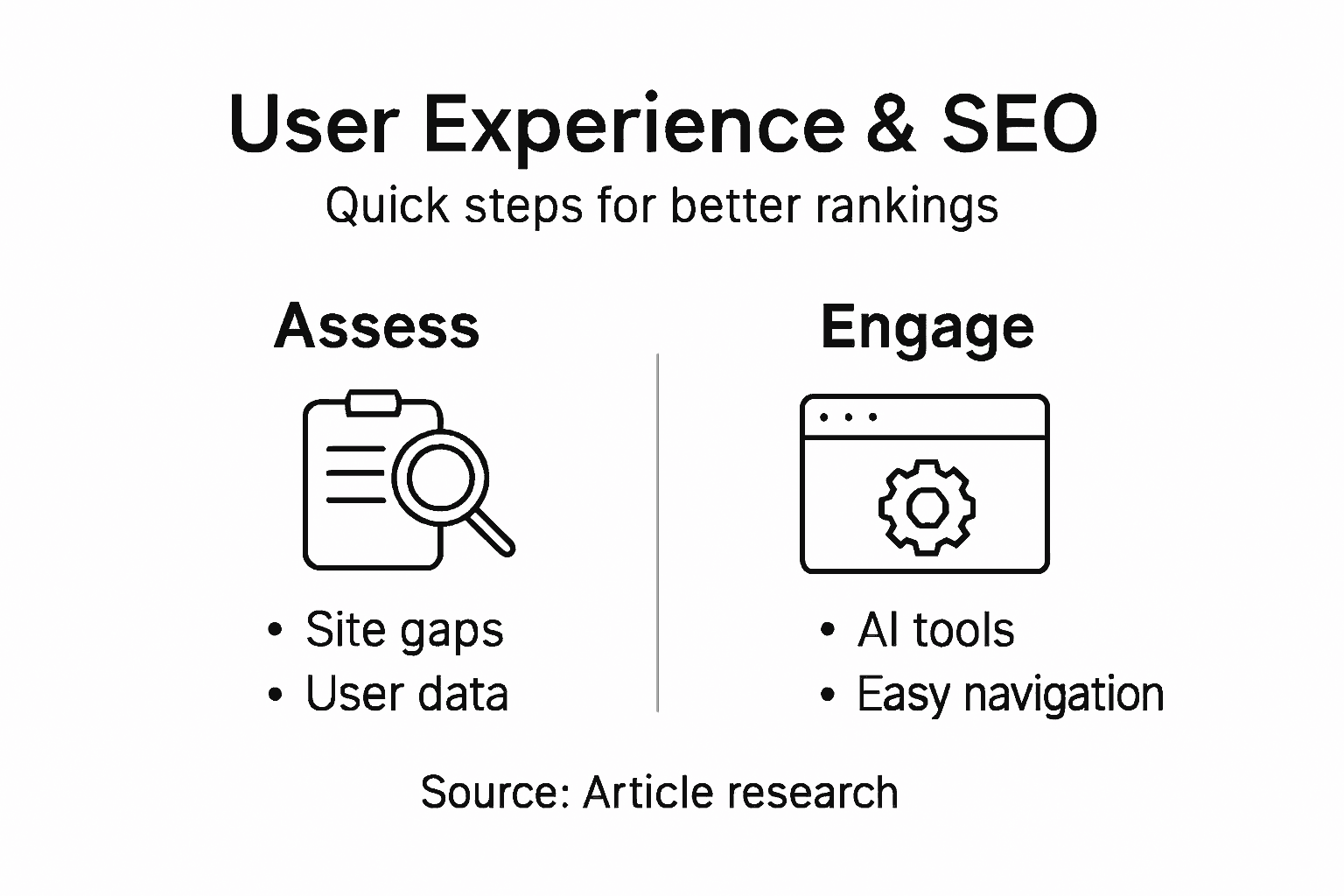
- Step 1: Assess Current User Experience And Identify Gaps
- Step 2: Implement AI-Driven Content Solutions For Engagement
- Step 3: Optimize Website Design For Seamless Navigation
- Step 4: Test User Interactions And Analyze Performance
- Step 5: Refine Strategies Based On Feedback And Analytics
Quick Summary
| Key Point | Explanation |
|---|---|
| 1. Assess user experience gaps | Analyze user behavior data to identify where visitors struggle and what impedes conversions on your site. |
| 2. Implement AI tools for engagement | Utilize AI for personalized content and chatbots to enhance user interaction and improve SEO performance effectively. |
| 3. Optimize navigation for clarity | Design intuitive and clear site navigation to help users find essential content quickly, boosting engagement and conversion rates. |
| 4. Test user interactions systematically | Conduct A/B testing on high-impact elements, measuring outcomes to identify effective improvements for user experience. |
| 5. Use feedback and analytics for refinement | Create a continuous improvement cycle using user feedback and analytics to prioritize impactful changes that enhance user experience. |
Step 1: Assess current user experience and identify gaps
Before you can fix user experience (UX) problems, you need to see them clearly. This step involves gathering data about how visitors actually interact with your site, where they struggle, and what prevents conversions. You'll uncover the gaps between what you think happens and what really happens.
Start by analyzing your current website performance data. Look at metrics that reveal user behavior patterns:
- Session recordings showing where users click, scroll, and abandon pages
- Bounce rates by page, indicating content relevance issues
- Time on page metrics revealing engagement levels
- Form abandonment rates showing friction points in checkout or signup flows
- Exit pages identifying where visitors leave without taking action
Research shows that common user experience challenges include difficulty finding resources, unclear navigation, and accessibility problems. Your site likely faces similar obstacles. Check whether your pages load quickly on mobile devices, whether buttons are clickable, and whether your navigation makes sense.
Gather direct feedback from your actual users. Customer surveys, support tickets, and user testing sessions reveal pain points analytics alone won't show. Ask specific questions: What made you leave? Where did you get confused? What would improve your experience?
Identify gaps by comparing what visitors need to do with how easy your site makes it for them to do it.
Document everything you discover in a simple spreadsheet. List each gap, note where it occurs, and estimate its impact on conversions. Rank them by how many users experience each problem and how severely it affects your business goals.
Pro tip: Use user feedback incorporation strategies to connect UX improvements directly to SEO outcomes, since better user experience signals tell Google your content deserves higher rankings.

Step 2: Implement AI-driven content solutions for engagement
AI-powered tools can transform how you create and deliver content to your audience. This step focuses on deploying AI solutions that personalize user experiences, boost engagement, and ultimately improve your SEO performance. You'll use AI to work smarter, not harder.
Start by identifying where AI can make the biggest impact on your e-commerce site. Consider these high-value applications:
- Product recommendations using AI to suggest items based on browsing history and similar customer behavior
- Dynamic content personalization that changes what visitors see based on their profile and preferences
- AI chatbots handling customer questions instantly, reducing friction and improving satisfaction
- Content optimization where AI analyzes what messaging resonates with different audience segments
- Search functionality powered by natural language processing to understand what customers actually mean when they search
Implement AI-powered chatbots and virtual assistants to deliver real-time support and overcome language barriers. These tools increase user engagement by meeting customers where they are with answers they need immediately.
Here is a summary of how AI-driven solutions enhance the user journey versus traditional approaches:
| Approach | Personalization Level | Impact on Engagement | Operational Effort |
|---|---|---|---|
| Traditional Content | Generic for all users | Lower, less relevance | High manual maintenance |
| AI-Driven Personalization | Tailored to each visitor | Higher, more timely and relevant | Lower ongoing manual work |
| AI Chatbots | Dynamic and context-aware | Instant support, fewer drop-offs | Moderate, needs training |
AI works best when it personalizes the experience for each visitor, not when it creates generic content for everyone.
Start small with one AI solution rather than overhauling everything at once. Test it with a portion of your traffic, measure how engagement metrics change, and expand what works. Use tools to create content variations and test which versions drive more clicks, longer session times, and higher conversions.
Track content engagement metrics throughout implementation. Monitor bounce rates, pages per session, time on page, and conversion rates before and after deploying AI solutions. These numbers show whether your AI investments actually improve user experience.
Pro tip: Start with AI personalization on your highest-traffic pages or product categories where small engagement improvements create measurable revenue gains.
Step 3: Optimize website design for seamless navigation
Navigation is the backbone of user experience. When visitors can't find what they're looking for, they leave. This step focuses on designing a site structure that guides users intuitively toward conversion while also helping Google understand your content.
Start by auditing your current navigation. Ask yourself these questions:
- Can visitors find your most important pages within two clicks?
- Are menu labels clear and descriptive, or vague like "Solutions" and "Resources"?
- Do you have too many navigation options overwhelming users with choices?
- Is your site structure logical, grouping related products and content together?
- Does your mobile menu work as smoothly as your desktop version?
Clear labeling and intuitive information hierarchy reduce cognitive load and build user trust. When visitors immediately understand where to go, they stay longer and convert more frequently. Your navigation labels should match the language your customers actually use, not internal jargon.
Implement a consistent menu structure across all pages. Primary navigation should remain in the same location and format throughout your site. Secondary navigation like breadcrumbs helps users understand where they are within your site hierarchy. Mobile-friendly navigation design is non-negotiable since over half your visitors browse on phones.
Simple navigation isn't about having fewer options; it's about organizing options so people find what matters to them without thinking.
Add a search function to your site. Many e-commerce shoppers skip navigation entirely and search directly for products. Make sure your search delivers relevant results quickly. Include internal links throughout your content naturally, connecting related products and pages to guide users deeper into your site.
Test your navigation with actual users. Watch where they click, which paths confuse them, and where they abandon navigation attempts. Small usability improvements compound into significant engagement gains.
Pro tip: Create a visual sitemap showing your information architecture, then stress-test it by asking someone unfamiliar with your business to find five specific items without guidance.
Step 4: Test user interactions and analyze performance
Data tells the truth about user experience. This step involves measuring how visitors actually behave on your site and using those insights to make targeted improvements. You'll move from guessing to knowing what works.
Set up tracking for the metrics that matter most to your business. Start with these foundational measurements:
- Click-through rates on buttons, links, and calls-to-action
- Scroll depth showing how far down pages visitors read
- Form completion rates revealing where users abandon signup or purchase flows
- Task completion rates measuring whether visitors accomplish their intended goals
- Time to conversion tracking how quickly users move from arrival to purchase
Combine quantitative data with qualitative observations. Advanced analysis methods like eye tracking reveal where users actually focus their attention versus where you assumed they would look. Session recordings show the exact paths visitors take, which pages confuse them, and where friction slows progress.
Start A/B testing high-impact elements. Change one variable at a time: button color, headline wording, product image placement, or checkout flow. Run each test for at least one week or until you gather 100 conversions in each variation. Statistical significance matters more than intuition.
The goal of testing is not to prove your design choices were right, but to find which changes actually improve user outcomes.
Analyze temporal patterns in user behavior. Understanding when visitors engage most actively and which content types resonate helps you prioritize improvements. Track performance across different user segments: new versus returning visitors, mobile versus desktop users, and various traffic sources.
Document your findings and act on them quickly. If a test shows that simplifying your checkout reduces abandonment by 12 percent, implement that change site-wide immediately. Build momentum by celebrating small wins and compounding improvements.
Pro tip: Focus your testing efforts on pages with the highest traffic and lowest conversion rates first, where even small improvements generate the biggest revenue impact.
Step 5: Refine strategies based on feedback and analytics
Your initial improvements are just the beginning. This step involves creating a continuous cycle of refinement where you listen to users and let data guide your next moves. You'll compound small wins into significant growth.
Gather feedback systematically from multiple sources. Your customers tell you things analytics alone never reveal:
To help with ongoing improvement, here's a comparison of feedback sources and their unique value:
| Feedback Source | Insights Provided | Best Used For |
|---|---|---|
| Customer Surveys | Direct opinions and suggestions | Identifying broad pain points |
| Support Tickets | Specific problems and complaints | Revealing recurring user issues |
| Product Reviews | Likes/dislikes about offerings | Fine-tuning product features |
| User Testing Sessions | Observed behavior and obstacles | Detecting usability issues |
- Direct customer surveys asking about pain points, preferences, and unmet needs
- Support ticket analysis identifying patterns in what confuses or frustrates users
- Product review comments showing what visitors loved and what disappointed them
- Exit surveys asking departing visitors why they didn't convert
- User testing sessions observing real people interact with your site in real time
Combine qualitative feedback with quantitative analytics. Real-time analytics feedback enhances your ability to monitor which strategies actually work and which need adjustment. Don't rely on hunches. If your data shows mobile visitors convert 40 percent less than desktop users, prioritize mobile optimization over features desktop users request.
Create a prioritization framework for improvements. List every feedback item and metric gap, then rank by impact and effort. Focus first on changes that deliver the most value to users while remaining manageable for your team.
The best refinement cycle balances what users say they want with what data shows they actually do.
Implement changes incrementally and measure their impact. Roll out one improvement, track its effect for two weeks, then move to the next. This approach lets you identify which specific changes drive improvements rather than guessing which element of a large overhaul helped.
Schedule regular review cycles. Conduct quarterly deep dives into your analytics, gather fresh user feedback, and adjust your strategy accordingly. Using analytics to guide your refinement process ensures you're always moving toward measurable improvements.
Pro tip: Create a simple feedback dashboard tracking top user complaints and corresponding analytics metrics side by side, making it obvious which issues hurt your business most.
Transform Your User Experience Into SEO Success With AI
The article highlights key challenges in enhancing user experience such as identifying gaps in site navigation, leveraging AI-driven content personalization, and continuously refining strategies based on analytics and user feedback. These pain points often lead to lost conversions and lower search rankings. If you are a business owner or marketer struggling to bridge these gaps and automate SEO growth without the heavy lifting, Babylovegrowth.ai offers a powerful solution.
Our AI-powered platform simplifies the journey by delivering automated high-quality, Google-optimized content tailored to your audience’s needs. Integrated with personalized content plans and backlink strategies, it helps you improve engagement, reduce bounce rates, and boost rankings—all while saving time on manual SEO tasks.
Discover how our step-by-step methods and real-time analytics can transform your user experience into measurable SEO gains at Babylovegrowth.ai.
Ready to elevate your website’s performance and capture more organic traffic? Start your free trial today and see how AI-driven SEO can automate growth on autopilot. Visit Babylovegrowth.ai now and unlock smarter strategies for lasting success.
Frequently Asked Questions
How can I assess my current user experience to improve SEO?
Start by analyzing your website performance data, focusing on metrics like bounce rates, time on page, and session recordings. Gather user feedback through surveys and support tickets to identify pain points. Document your findings and prioritize the most impactful gaps for improvement.
What AI-driven content solutions can I implement for better engagement?
Consider using AI for personalized product recommendations, dynamic content changes, and AI chatbots for instant customer support. Start with one AI solution and measure its impact on user engagement, aiming for a noticeable improvement in metrics like session duration within 30 days.
How can I optimize my website design for seamless navigation?
Focus on creating a clear and intuitive navigation structure that allows visitors to find important pages within two clicks. Simplify your menu labels to be descriptive and user-friendly, and ensure a consistent layout across all devices to enhance the user journey.
What metrics should I track to analyze user interactions effectively?
Monitor key metrics such as click-through rates, form completion rates, and scroll depth to analyze user behavior on your site. Establish a regular tracking schedule to analyze trends and make data-driven adjustments to improve your site's performance.
How do I refine my strategies based on user feedback?
Collect feedback through surveys, support tickets, and user testing sessions to identify areas for improvement. Rank the feedback items by impact and effort, and implement changes incrementally to see measurable results within a few weeks.
What is the best way to test user interactions on my website?
Utilize A/B testing to compare different variations of key elements like buttons or headlines. Focus on high-traffic pages and run tests for at least one week to ensure statistically significant results that inform your design choices.